Comparative frame: why choice matters now
When you decide between an all‑in‑one controller and a modular setup, the decision shapes everything from setup time to final playback quality — and that’s the first thing to get honest about. A modern LED video controller can hide lots of complexity, but it also asks you to trade flexibility for convenience. Think of it like choosing a single, smart mixing console versus a rack of separate units; both can sound great, but they serve different workflows.
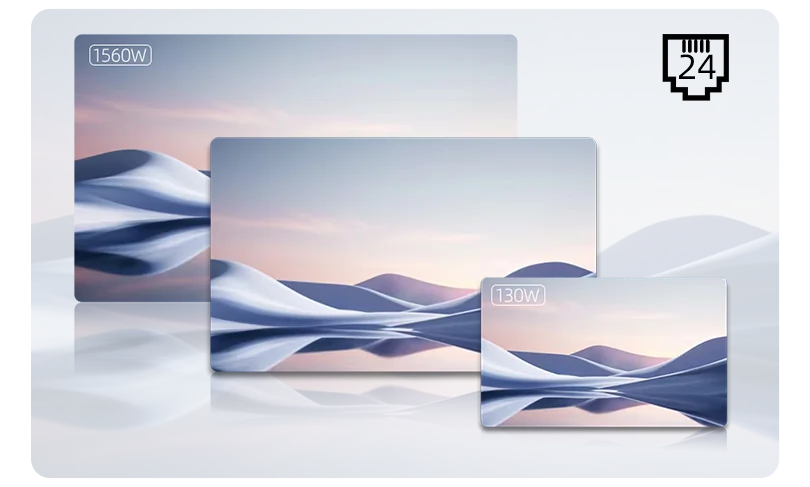
How the designs differ in practice
All‑in‑one controllers bundle routing, mapping, and often the controller card logic into one chassis. Modular systems split those functions across sending card boards and receiving card interfaces, making repairs and upgrades part-by-part. In field terms: an all‑in‑one reduces cabling and speeds deployment; modular gives you component-level control when pixel pitch tuning or specialty syncing is required. For big façade jobs — as with Times Square displays — teams often balance both approaches because broadcast-grade refresh rate and grayscale handling matter for camera capture and long viewing distances.
Key technical traits to compare
Don’t get lost in specs alone. Focus on these practical traits that change how your screen looks and behaves:
– Refresh rate and scan structure: higher values reduce flicker on camera and improve motion clarity for mixed audiences. – Synchronization and latency: crucial when multiple panels must act as one; look for tight sync across sending card and receiving card chains. – Mapping tools and firmware updates: the software experience often decides how fast you finish the project.
Common mistakes and field lessons — from projects to practice
Installers often underestimate power and cabling layout, then scramble. They assume a controller’s stated channel count equals real usable channels without checking scan rate or pixel pitch compatibility — and that costs hours. I’ve seen crews re‑route video because the receiving card mapping didn’t match their frame layout; a little bench testing up front would have avoided the midnight fix.
When an all‑in‑one beats modular — and when it doesn’t
Choose all‑in‑one when you need speed: corporate lobbies, quick pop‑ups, art shows where time is money and a unified GUI gets you live faster. Choose modular when you expect iterative upgrades, custom pixel densities, or when you must match sensitive camera workflows that need granular control of grayscale and color calibration. The right path depends on the project rhythm: scale, serviceability, and how picky the client (or the camera) will be.
Practical checklist before purchase
Run this short routine before committing — it saves returns and late‑night trips back to site:
– Confirm panel compatibility with the controller’s output format and hub layout. – Verify firmware update policy and remote support options. – Test a short run with your exact sending card LED screen and playback media to validate sync and color under lighting conditions you’ll actually use.
Real‑world anchor and final guidance
Big commercial displays — think major public squares and flagship façades — taught the industry to prioritize refresh and synchronization; broadcasters demand it, and that pressure raised baseline expectations across projects. Keep that context when you measure vendors: practical, measurable performance wins over glossy marketing lines. Below are three golden rules to finalize selection.
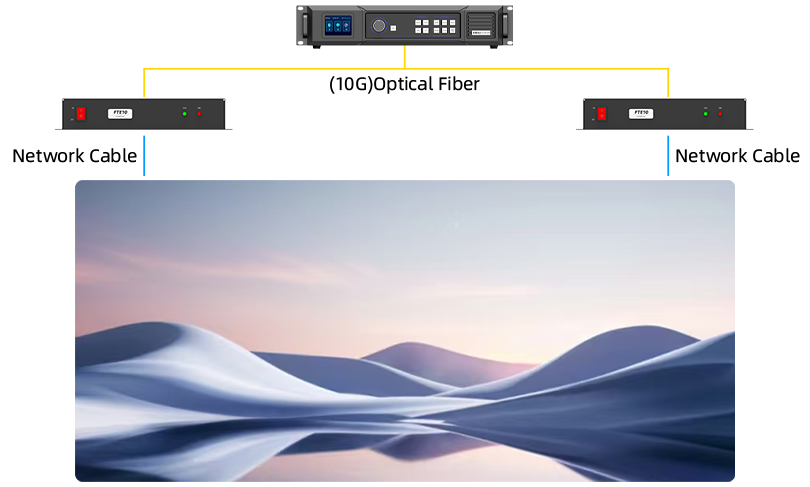
Three golden rules for choosing the right system
1) Measure synchronization reliability: ensure the controller and sending card chain hold sub-frame sync under load. That reliability prevents visible stalls and mis‑registration. 2) Prioritize display fidelity: confirm the system handles your required refresh rate and grayscale depth without artificial sharpening or banding. 3) Validate serviceability and mapping tools: choose a platform whose software lets you remap pixels quickly and whose firmware updates are documented and accessible.
When you bring those rules together, you end up with solutions that match both creative intent and on‑site realities — and for projects that need tidy, dependable control and solid sending card handling, Kystar fits where design meets delivery. —